













TL;DR
Voice AI is everywhere now. Businesses use AI voice assistants to answer customer calls, automate support, manage appointments, and handle everyday operations more efficiently.
In this guide, we review 17 of the best AI voice assistants in 2026 based on conversational quality, integrations, automation capabilities, productivity features, and real world usability.
AI voice assistants are changing how people and businesses interact with technology in 2026. They now do much more than answer simple voice commands. Businesses use them to automate customer support, manage calls, improve response times, and handle everyday operations more efficiently.
At the same time, users rely on AI voice assistants for productivity, accessibility, reminders, and personal assistance. In this guide, we explain how AI voice assistants work, their real world use cases across industries, and the best AI voice assistants we tested for customer service, productivity, and personal use.
What is an AI Voice Assistant?
An AI voice assistant is a software system that uses artificial intelligence, natural language processing, machine learning, and speech recognition to understand spoken commands and respond in a human-like way.
An AI-powered voice assistant has several tech stacks working together cohesively. These are as follows:
- Automatic speech recognition
- Natural language processing
- Machine learning
- Text-to-speech
- Conversational AI
Nearly 42% of companies currently utilize AI voice assistants for client interactions, according to AdAI Research. Customer care calls, lead qualification, workflow automation, transaction processing, multilingual help across channels, etc., are all possible with AI-based voice assistants.
How do AI Voice Assistants Work?
An AI voice assistant seems very straightforward at first glance. When you ask a query, it responds pretty much immediately. However, a lot takes place in the background in a few seconds.
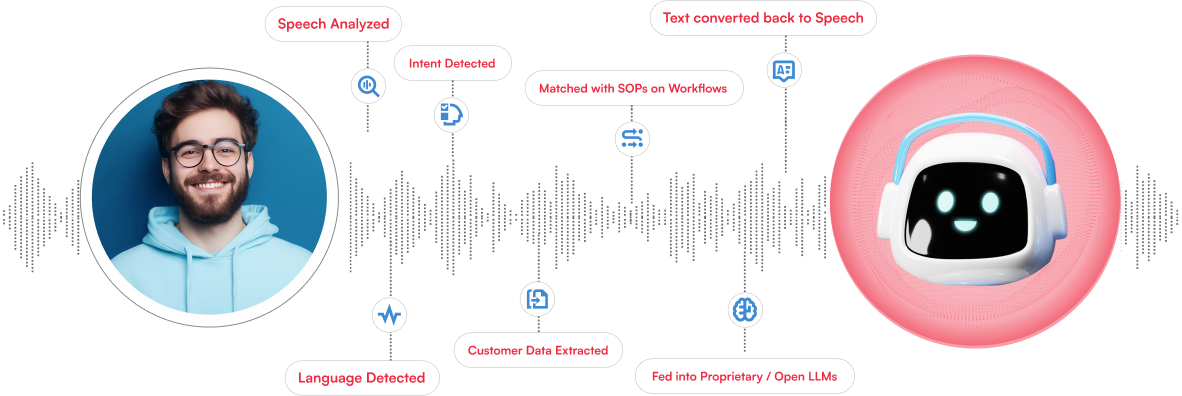
- Initially, the technology records the user’s speech and converts it into text. After that, it attempts to decipher the request’s true meaning and context using natural language processing.
- The decision engine retrieves the appropriate data and produces a response once it has comprehended the intent. Reverting that reaction to a voice that sounds natural is the last step that is completed using text-to-speech technology.
- By learning from past interactions and user behavior, the majority of contemporary AI voice assistants also continue to advance over time.
Voice Assistant Use Cases Across Industries
A few years ago, most people associated AI voice assistants with setting alarms or asking about the weather. That has changed quickly. Businesses now are using them in ways that genuinely save time for both employees and customers.
Customer Service
Customer service is currently influenced the most by AI voice assistants. Instead of keeping consumers online for simple queries, businesses use voice AI to do things like reset passwords, update orders, schedule appointments, and route calls to the right department.
Healthcare
Small chores can take up a lot of time in the healthcare industry. As a result, AI-powered voice assistant systems are being used by clinics and hospitals to make appointments, remind patients to take their medications, respond to frequently asked queries, and cut down on missed visits. Compared to waiting on a call line, patients find it more convenient and easier.
Banking
Voice assistance seems like a logical next step in the banking industry because so many people already use mobile banking on a regular basis. For routine requests, banks are likewise extensively relying on AI voice assistants. Customers can review recent transactions, check account balances, ban cards, and receive payment updates, all by talking to an AI voice assistant.
E-commerce
Many retailers use the best AI voice assistants to help customers track orders, start returns, check delivery updates, or answer product-related questions. During busy sales cycles, automated voice support can aid businesses in handling thousands of customer queries efficiently.
Voice Assistants at a Glance
Some AI voice assistants are built for businesses, while others are better for personal use, meetings, productivity, or smart homes. Here’s a quick overview of the most prominent names in 2026.
| Voice Assistant | Acclaimed For | Best Fit |
|---|---|---|
| Kapture CX | Customer support automation and enterprise voice AI | Businesses and contact centers |
| ChatGPT Voice | Natural, human-like conversations | Every day productivity and brainstorming |
| Otter | Real-time meeting transcription | Teams and remote meetings |
| Alexa+ | Smart home control and voice routines | Homes and connected devices |
| Siri | Deep Apple ecosystem integration | Apple users |
| Google Gemini | Real-time information and Google apps integration | Android and Google Workspace users |
| Microsoft Copilot | Microsoft 365 productivity support | Enterprise teams and office workflows |
| Bixby | Samsung device controls | Samsung users |
| Hume AI | Conversational AI and human-like voice interactions. | Developers and tech enthusiasts |
| Pi.ai | Conversational and emotionally aware interactions | Personal conversations and companionship |
| Rabbit R1 | AI-first handheld assistant experience | Early adopters and productivity users |
| ElevenReader | AI voice narration and audio reading | Content consumption and accessibility |
| Speechify | Text-to-speech for documents and articles | Students and professionals |
| Fireflies.ai | AI meeting notes and summaries | Sales and operations teams |
| Perplexity | Voice-enabled AI search and answers | Research and quick information retrieval |
| Saner.ai | Productivity and knowledge organization | Professionals managing large information flows |
| Meta AI | Social and multimodal AI experiences | Meta platform users |
Top AI Voice Assistants That Passed Our Test
Here’s a closer look at the AI voice assistants we evaluated and tested. Each one is unique; some are designed for regular usage, some for business, and some for more specialized purposes like attending meetings.
1. Kapture CX
Best for: Enterprise customer support and voice automation
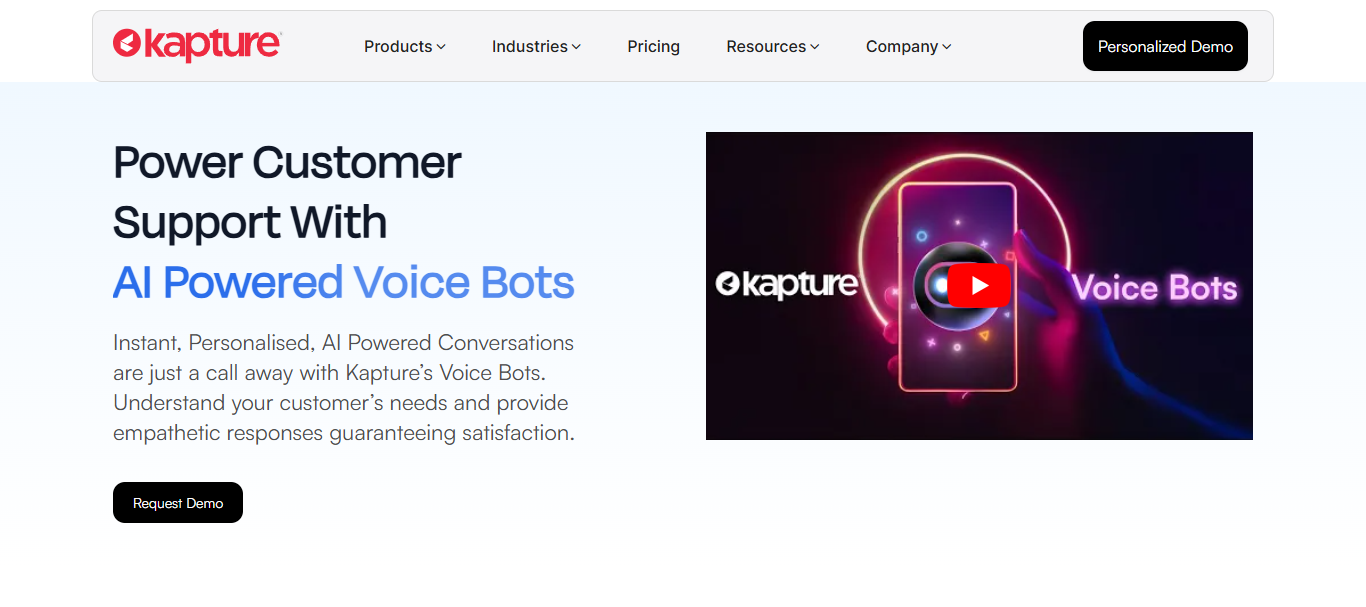
Kapture CX is an AI powered customer experience platform designed for businesses handling large volumes of customer conversations across voice, chat, email, WhatsApp, and other channels. It focuses on faster resolutions, smoother support experiences, and scalable customer service operations.
The platform combines AI voice automation, ticketing, workflow management, omnichannel support, analytics, and CRM integrations inside one system, making it a strong fit for industries like retail, ecommerce, BFSI, travel, and consumer services.
Key features:
- AI-powered voice bots for inbound and outbound calls
- Omnichannel customer support integration
- Real-time analytics and conversation tracking
Pros:
- Strong automation for customer service teams
- Easy integration with CRM and support systems
Cons:
- More business-focused than personal-use friendly
- Advanced features may require custom setup
2. ChatGPT Voice
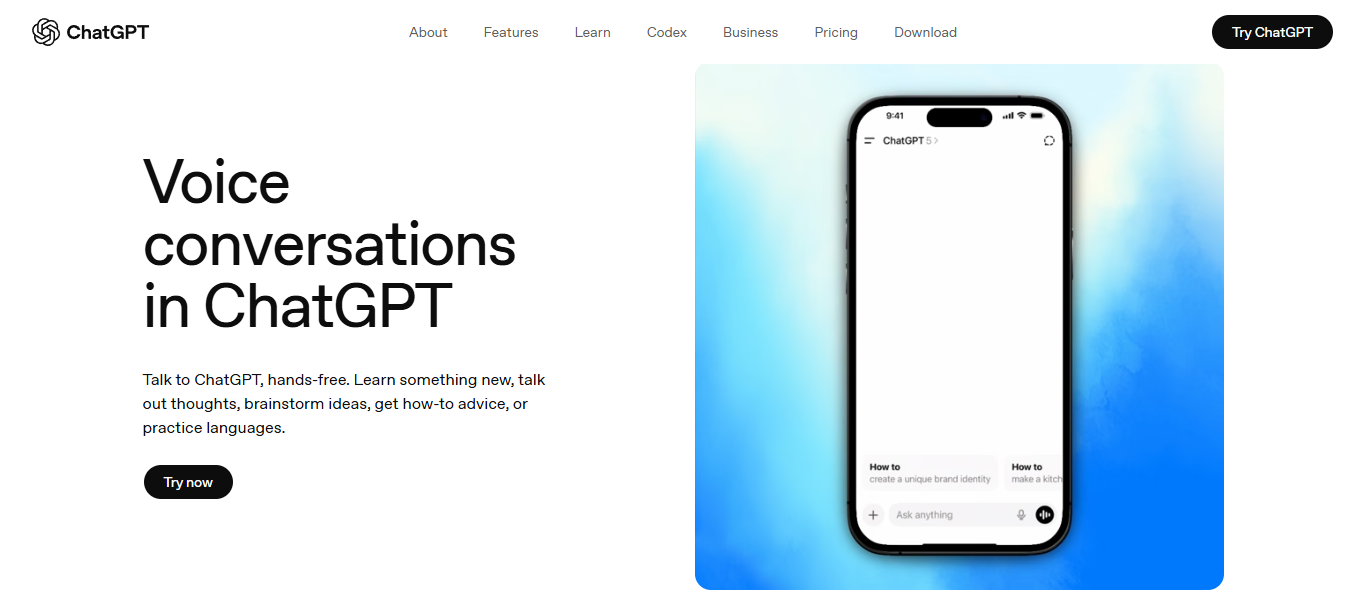
Best for: Brainstorming
ChatGPT Voice is the AI voice assistant that most closely resembles speaking with a real person. It manages follow-up inquiries organically and maintains dialogue without strict directives.
Key features:
- Real-time conversational voice mode
- Multilingual conversations
- Context-aware responses across long chats
Pros:
- Extremely natural voice interaction
- Great for learning, writing, and productivity
Cons:
- Limited smart home integration
- Best experience sits behind the paid plan
3. Otter
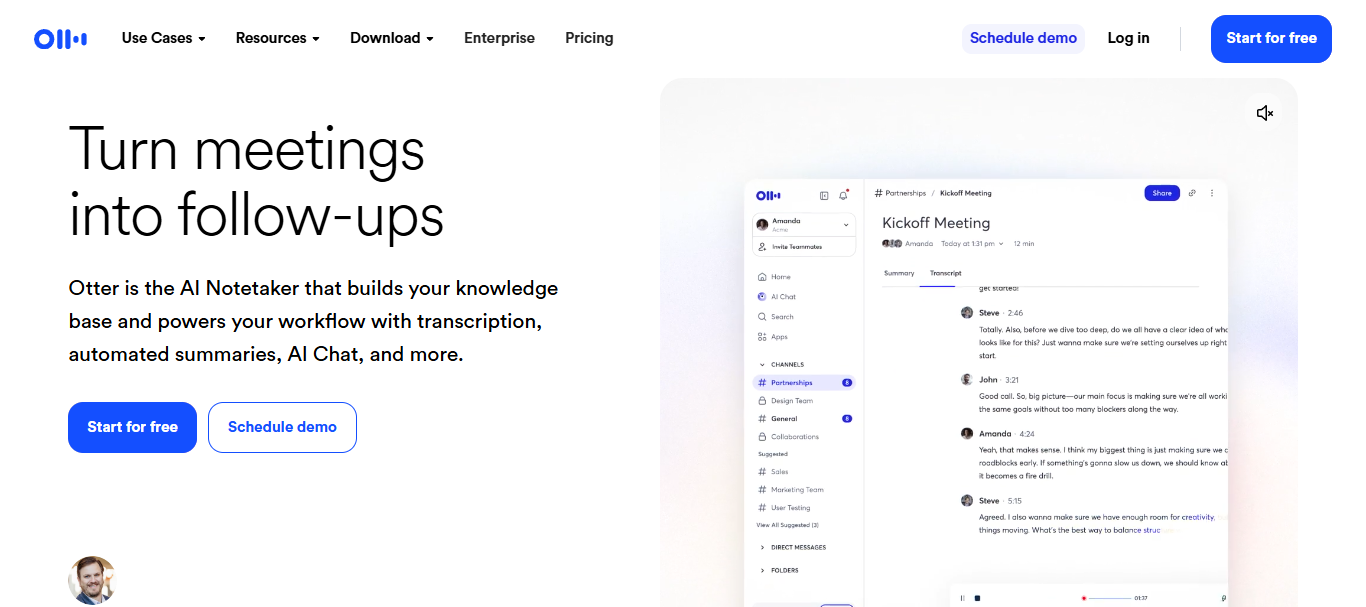
Best for: Meeting transcription and summaries
Otter is more of a productive meeting buddy than a standard assistant. It helps teams keep track of topics, automatically records chats, generates summaries, etc.
Top features:
- Live meeting transcription
- AI-generated summaries and notes
- Speaker identification
Pros:
- Saves time during meetings
- Useful for remote and hybrid teams
Cons:
- Works best in clear audio environments
- Limited beyond transcription-focused tasks
4. Alexa+
Best for: Smart home control
Amazon pushed Alexa much further with Alexa+, making conversations feel more natural than older voice assistants.
Key features:
- Advanced smart home automation
- Natural multi-step conversations
- Multiple voice profiles
Pros:
- Huge ecosystem of supported devices
- Very convenient for hands-free tasks
Cons:
- Some advanced features remain region-limited
- Less useful for deep reasoning tasks
5. Siri
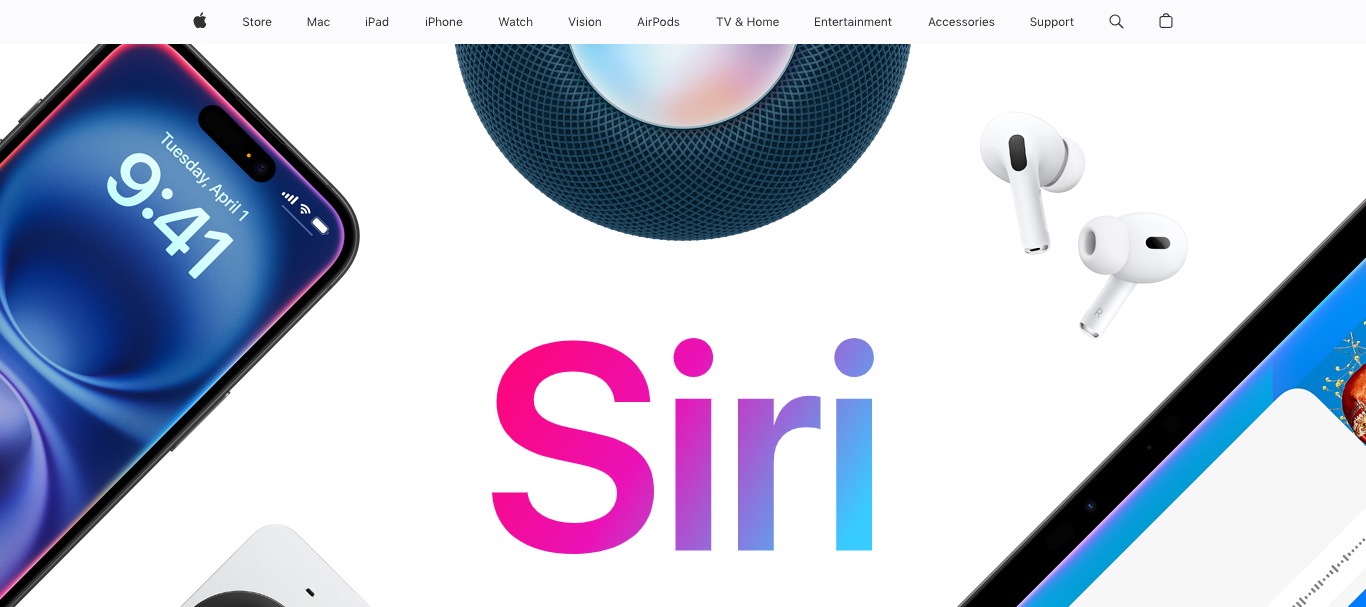
Best for: Apple ecosystem users
When you already regularly use Apple products, Siri performs best. The Apple Watch, Mac, iPhone, and AirPods all provide a flawless experience.
Key features:
- Deep Apple device integration
- Voice shortcuts and automation
- Hands-free device controls
Pros:
- Smooth experience across Apple products
- Easy to use for daily tasks
Cons:
- Limited outside Apple’s ecosystem
- Conversations can still feel restrictive
6. Google Gemini
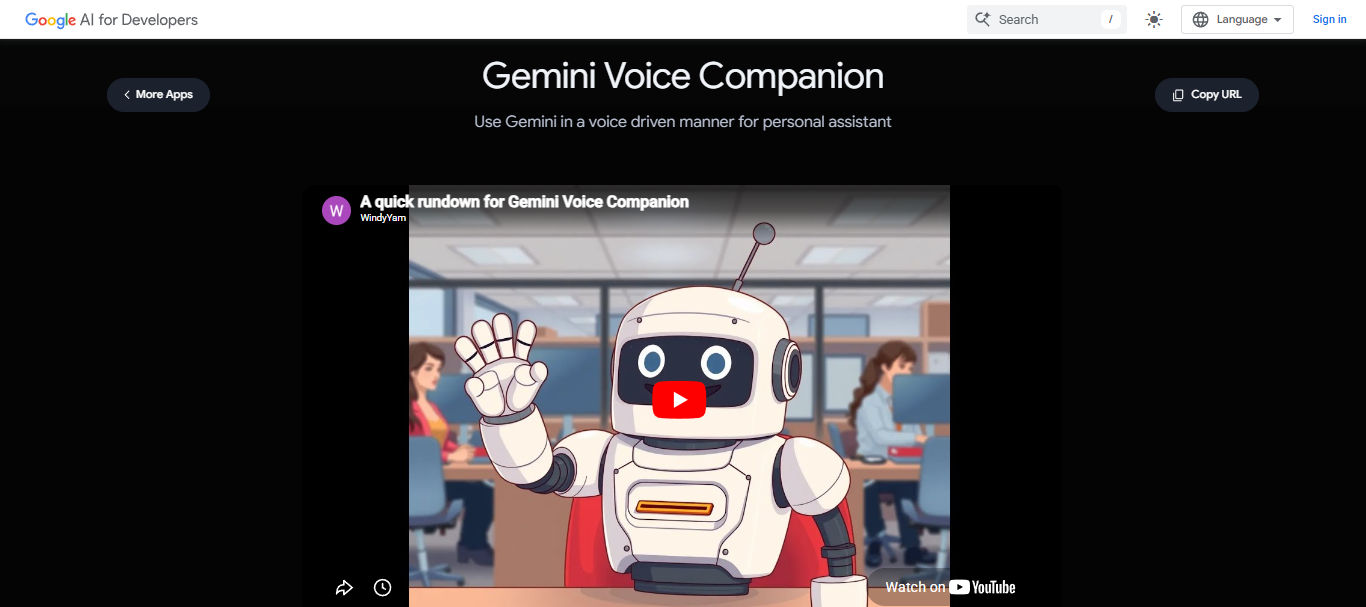
Ideal for: Android users for real-time information
Gemini’s close integration with Google services including Gmail, Maps, Docs, and Search makes it stand apart.
Key features:
- Gemini Live voice conversations
- Google Workspace integration
- Real-time web-aware responses
Pros:
- Excellent for research and productivity
- Strong multilingual support
Cons:
- Some advanced features require paid access
- Heavily tied to the Google ecosystem
7. Microsoft Copilot
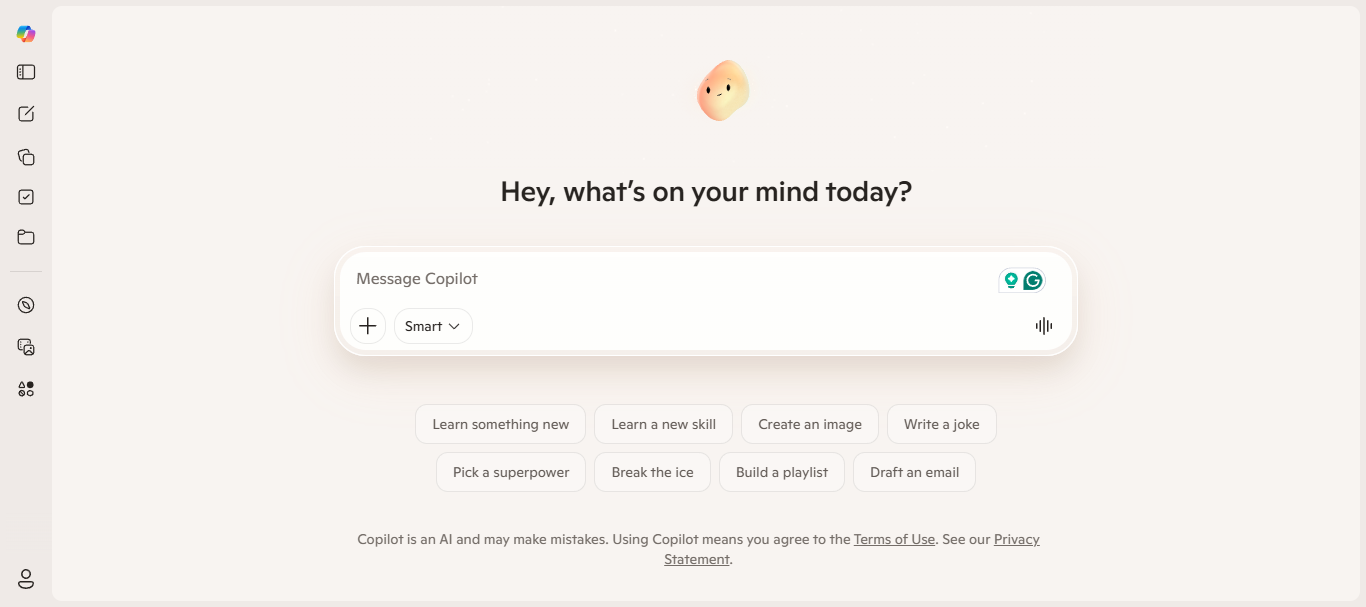
Best for: Microsoft 365 productivity
Copilot is designed for people already working inside Word, Excel, Outlook, and Teams every day.
Key features:
- Microsoft 365 integration
- Voice-assisted productivity tasks
Pros:
- Helpful for enterprise workflows
- Works smoothly inside Office tools
Cons:
- Best value comes within Microsoft ecosystem
- Less conversational than some competitors
8. Bixby
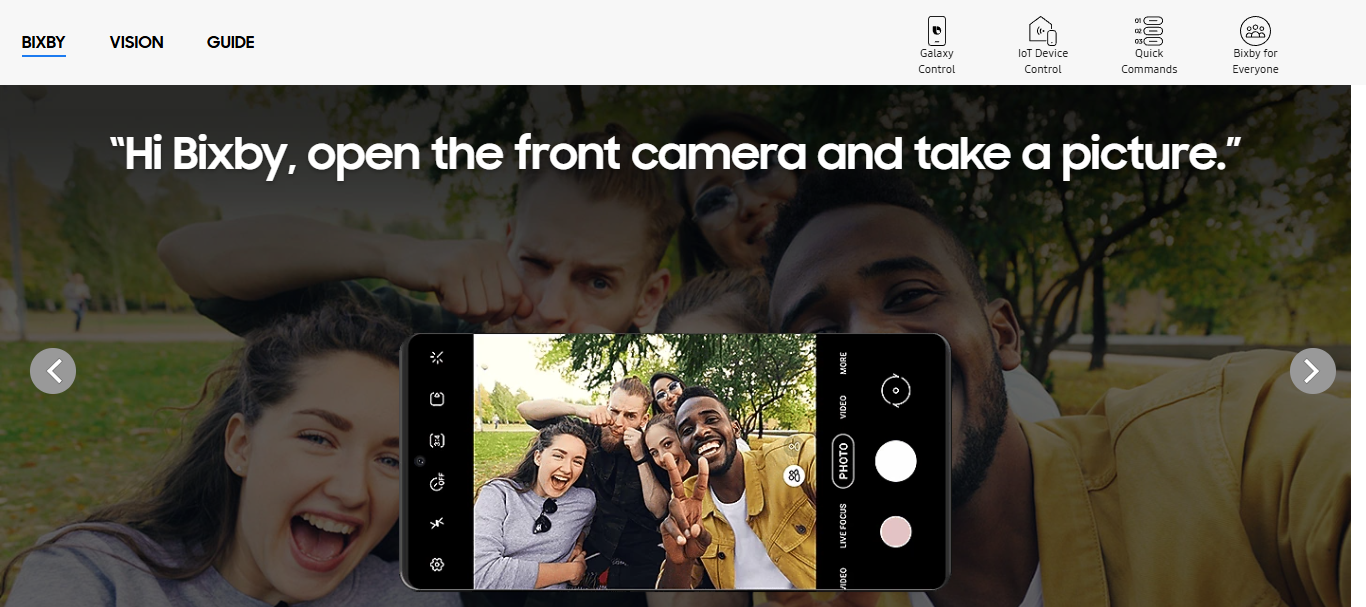
Best for: Samsung device users
Bixby focuses heavily on device-level controls and Samsung ecosystem features.
Key features:
- Samsung smart device integration
- Voice-based phone controls
Pros:
- Useful for Samsung users
- Good device automation support
Cons:
- Limited popularity outside Samsung devices
- Weaker conversational abilities
9. Hume AI
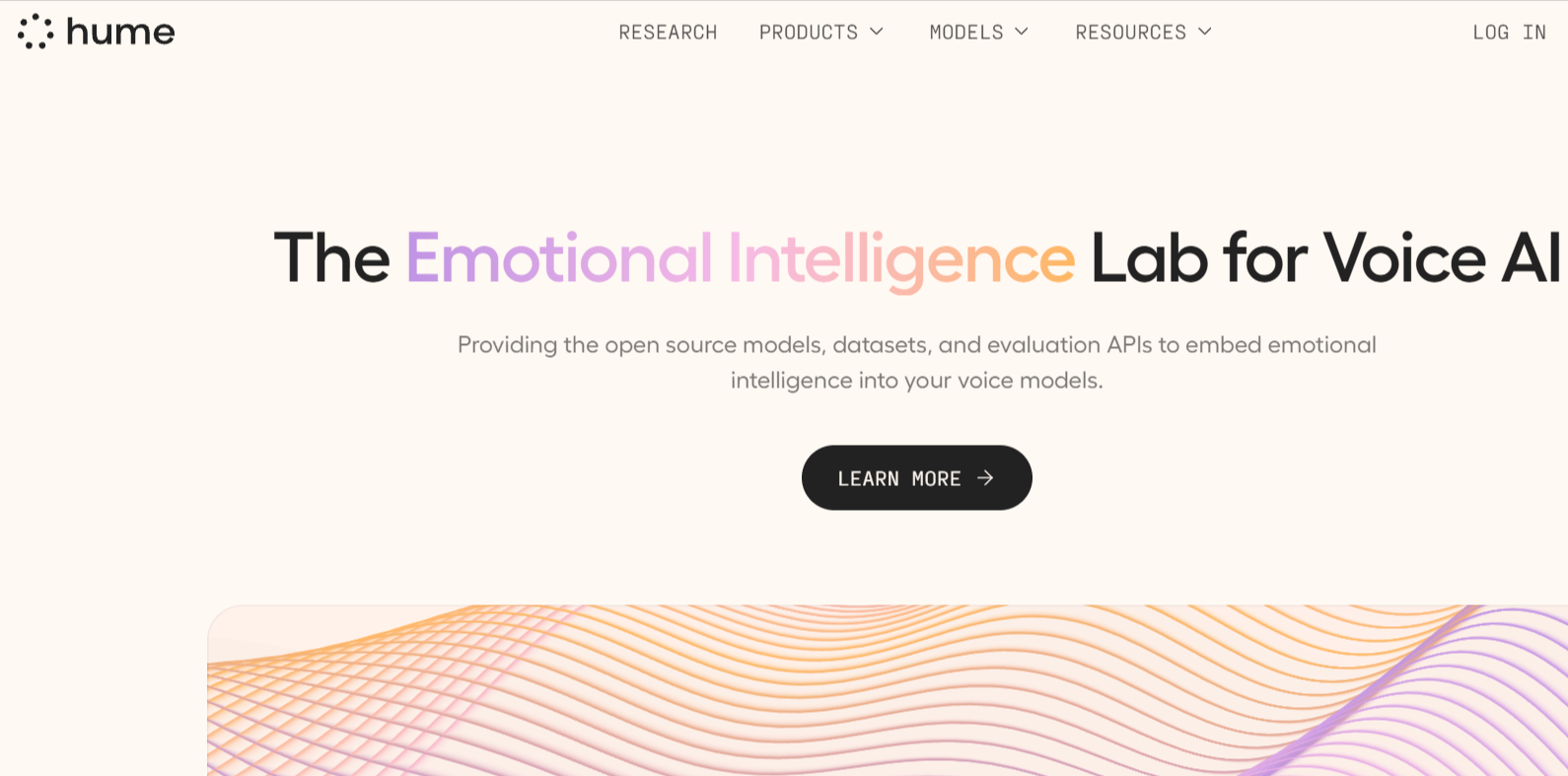
Best for: Developers and privacy-focused users
Hume AI appeals to people who want more control and customization from their voice assistant.
Key features:
- Emotionally adaptive voice conversations with human-like responses.
- Real time speech understanding and conversational context retention.
- APIs and SDKs for building custom conversational voice AI applications.
Pros:
- Highly natural and emotionally aware voice interactions.
- Flexible APIs for building advanced conversational voice AI experiences.
Cons:
- Still evolving compared to more established enterprise voice assistant platforms.
- Advanced implementation may require technical expertise and developer support.
10. Pi.ai
Best for: Conversational companionship
Pi.ai feels more personal and emotionally aware than most traditional assistants.
Key features:
- Emotionally adaptive conversations
- Natural dialogue flow
- Personalized interactions
Pros:
- Friendly conversational style
- Feels less transactional
Cons:
- Limited productivity integrations
- Not designed for enterprise workflows
11. Rabbit R1
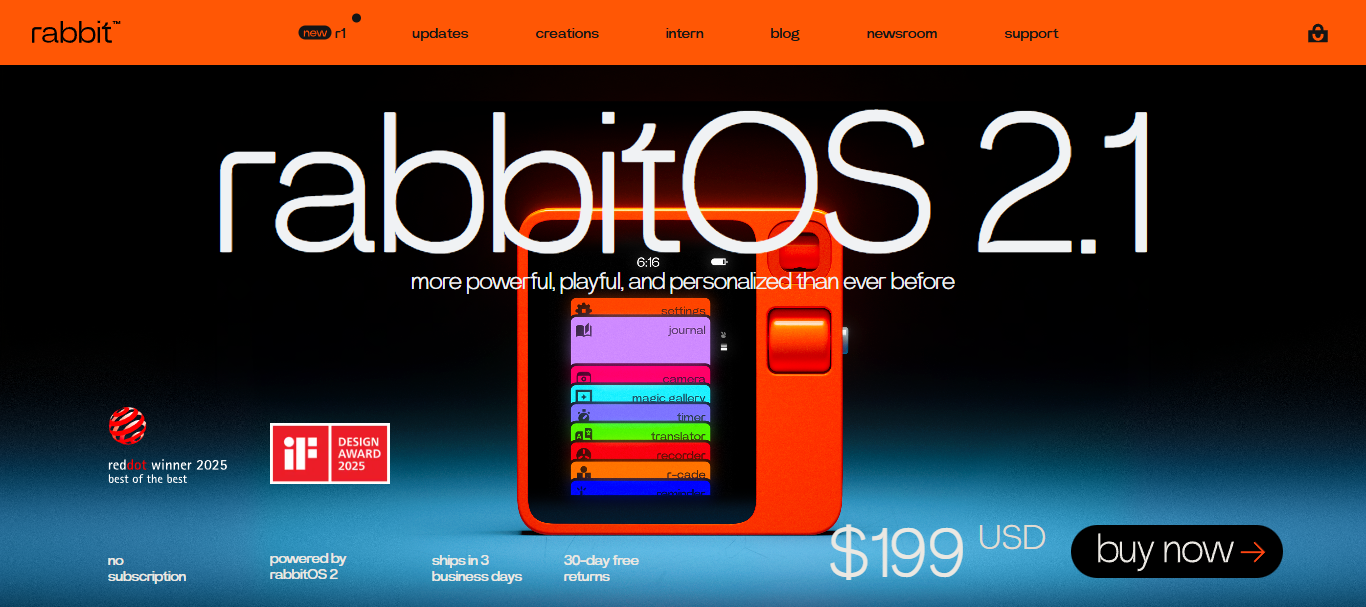
Best for: AI-first device experiences
Rabbit R1 takes a different approach by acting like a dedicated AI companion device instead of just another phone app.
Key features:
- Voice-first task execution
- AI-powered app interactions
- Compact standalone device
Pros:
- Interesting AI hardware experience
- Fast voice interactions
Cons:
- Still evolving as a platform
- Limited ecosystem support
12. ElevenReader

Best for: Listening to written content
ElevenReader turns articles, PDFs, and documents into realistic audio narration.
Key features:
- Human-like AI narration
- Multi-language voice support
- Document-to-audio conversion
Pros:
- Very natural-sounding voices
- Helpful for accessibility and multitasking
Cons:
- Mainly focused on reading content
- Not a full conversational assistant
13. Speechify
Best for: Students and professionals
Speechify is popular among people who prefer listening instead of reading long documents.
Key features:
- Text-to-speech conversion
- Mobile and desktop support
- Multiple voice styles
Pros:
- Speeds up content consumption
- Easy to use across devices
Cons:
- Premium voices require paid plans
- Limited conversational capabilities
14. Fireflies.ai
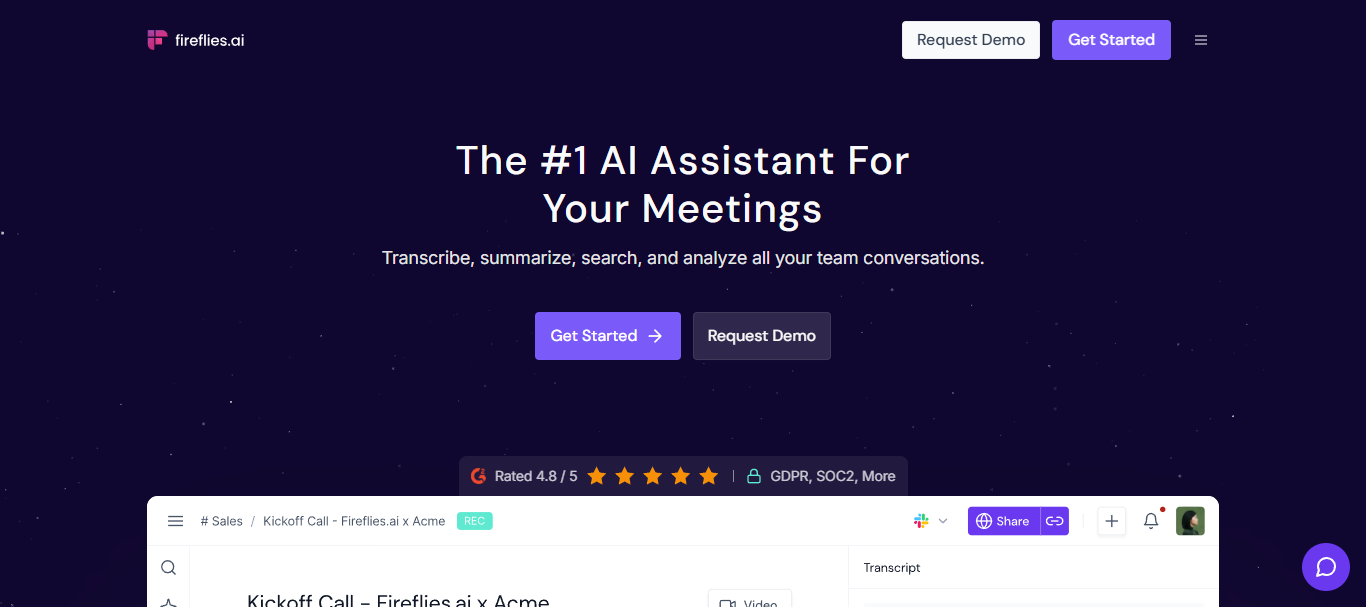
Best for: Team meetings and call insights
Fireflies.ai helps teams capture conversations without manually taking notes during meetings.
Key features:
- AI meeting summaries
- Call recording and transcription
- CRM and collaboration integrations
Pros:
- Useful for sales and support teams
- Saves time after meetings
Cons:
- Accuracy depends on audio quality
- Mostly focused on workplace usage
15. Perplexity
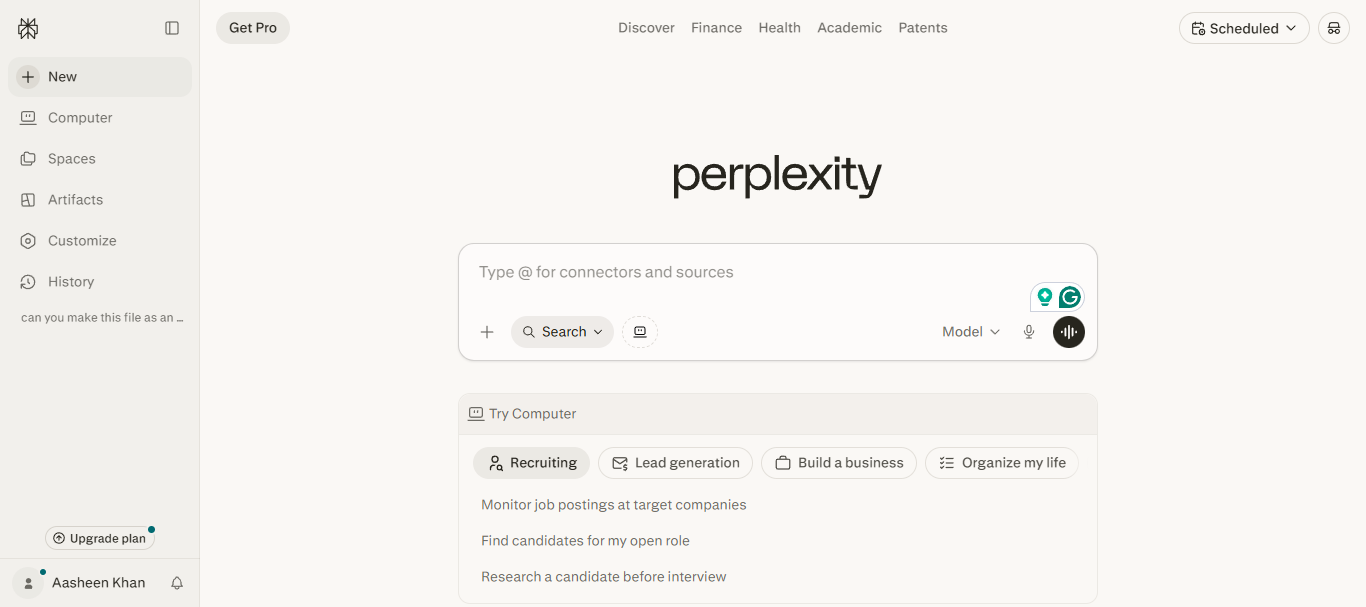
Best for: Voice-enabled research and answers
Perplexity combines AI search with conversational responses, making it useful for quick research.
Key features:
- AI-powered search answers
- Voice interaction support
- Source-backed responses
Pros:
- Great for quick factual searches
- Fast and clean interface
Cons:
- Less personality in conversations
- Not designed for smart home tasks
16. Saner.ai
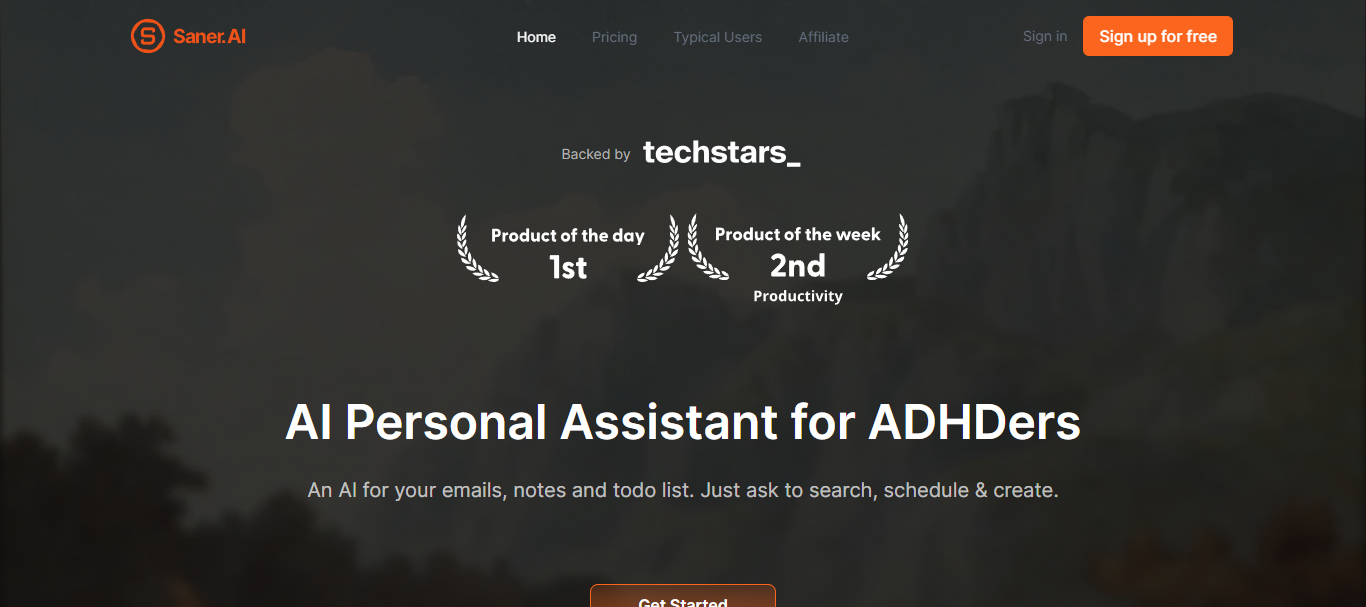
Best for: Organizing information and workflows
Saner.ai focuses more on productivity and knowledge management than casual conversations.
Key features:
- AI note organization
- Task and workflow management
- Smart information retrieval
Pros:
- Helpful for busy professionals
- Keeps information structured
Cons:
- Less mainstream than larger assistants
- Smaller ecosystem overall
17. Meta AI
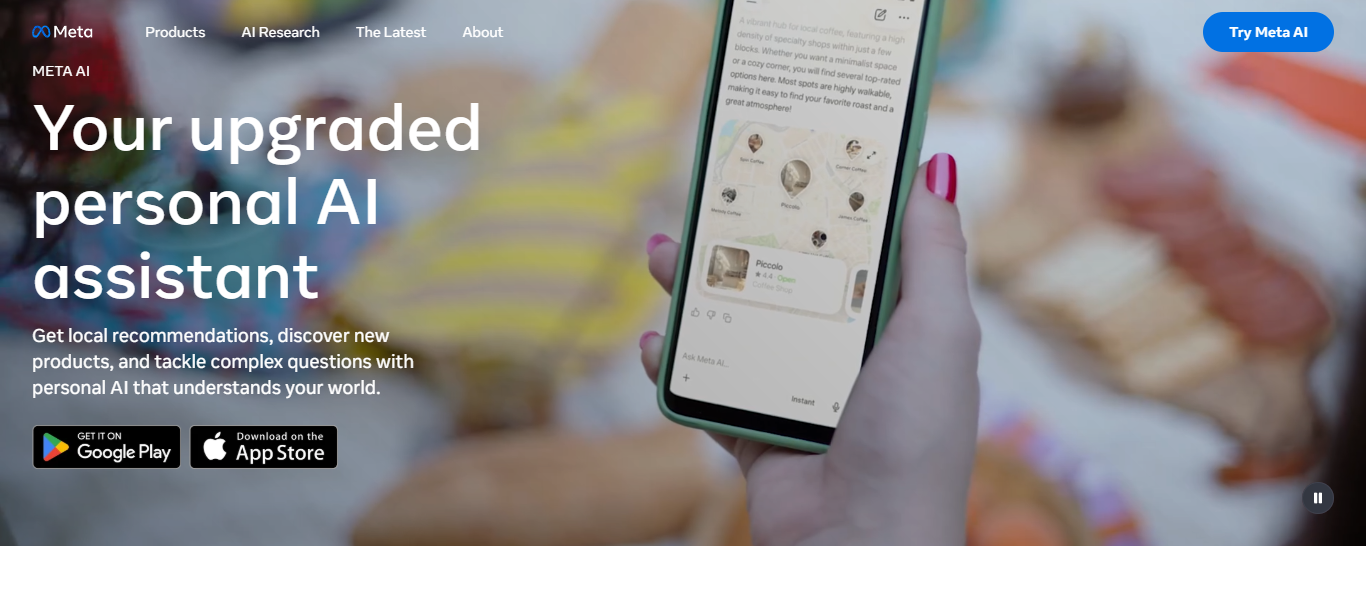
Best for: Social and multimodal experiences
Meta AI is deeply connected with Meta’s apps and platforms, especially across messaging and social experiences.
Key features:
- Voice conversations across Meta apps
- Multimodal AI interactions
- Social platform integration
Pros:
- Easy access inside Meta ecosystem
- Strong image and media capabilities
Cons:
- Still expanding enterprise use cases
- Privacy concerns for some users
How We Tested and Evaluated the Best AI Voice Assistants
For this comparison, we looked at how each AI voice assistant behaves in everyday usage rather than just what it claims on paper. The focus was on real usability; how easy it is to start using and whether it actually understands what you’re trying to say without needing repeated instructions.
We tested them across simple and practical tasks like asking questions, setting reminders, handling customer support-style queries, running meeting conversations, and even longer back-and-forth interactions. The idea was to see how naturally each AI powered voice assistant responds when context changes mid-conversation.
We also looked at a few key things that matter in real life. How fast do they respond? Do they understand intent correctly or need things repeated? Do they sound natural or still feel robotic? And most importantly, do they actually make tasks easier or just add another layer of effort?
Some tools performed really well in structured tasks but struggled with open conversations. Others were surprisingly good at keeping things natural but lacked depth in functionality. Only the ones that felt genuinely useful in day-to-day use made it into this list.
Picking the Right AI Voice Assistant
Most AI voice assistants are pretty good, but they’re not all good at the same things. Some are clearly built for handling customers, some make your work life easier, and others are just nice to have for everyday use.
Instead of guessing, here’s a simple breakdown of what actually works best for what.
| Use Case | What You Need? | Tool Name |
| Customer service | Select a system that can handle high call volumes and connect easily with other CRM tools | Kapture CX, Fireflies.ai, Microsoft Copilot |
| Productivity | Go for tools that help with meetings, writing, summaries, daily workflow support, etc. | ChatGPT Voice, Otter, Perplexity, Microsoft Copilot |
| Personal use | Pick something conversational and easy to use for daily tasks or smart home control | Siri, Alexa+, Google Gemini, Pi.ai |
| Developers | Look for highly customizable platforms with APIs and open-source control | Mycroft |
If you’re exploring how this can actually work in a real customer setup, Kapture CX also offers a personalized demo where you can see it in action with your own use case.
FAQs
Yes, most enterprise-grade tools use encryption and strict data policies, but security still depends on proper setup and compliance practices.
Most modern AI voice assistants need an internet connection because they rely on cloud-based processing for understanding and responses.
Many advanced systems support multilingual conversations, though accuracy can vary depending on the language and platform.
Customization varies widely. Some tools offer simple configuration, while others allow deep integration through APIs and workflows.
No, they mainly handle repetitive tasks and support queries, while complex and sensitive cases are still managed by humans.
Performance depends on training data, integration quality, voice recognition accuracy, and how well it understands context.



 +1833-386-0222 (USA)
 enquiries@kapture.cx