












TL;DR
Canned responses are pre-written replies that support agents use to answer common customer questions quickly and consistently. They cut first response time and keep answers accurate across a team. To work well, they need a human tone, personalization, and a clear next step. Avoid them when a query is unclear, emotional, or complex. Use the templates below as a starting point and adapt them to your brand voice.
Customers expect fast answers, and support agents answer many of the same questions every day. Canned responses close that gap: agents reply in seconds without retyping the same message, and every customer gets an accurate, consistent answer.
Used badly, though, canned responses make a brand sound robotic. This guide covers what canned responses are, when to use them, how to write ones that sound human, and 15 ready-to-use examples for live chat and email.
What Are Canned Responses?
Canned responses are pre-written replies that customer support agents save and reuse to answer frequent questions. They are also called saved replies, quick replies, or response templates.
Teams build them around the questions they get most often, such as order status, refunds, password resets, and shipping times. An agent picks the right template, personalizes a few details, and sends it.
Canned responses are used across most support channels:
- Live chat: short replies that keep conversations moving while customers wait
- Email: longer, structured answers to common requests
- Social media and messaging apps: quick acknowledgements and answers on channels like WhatsApp and Instagram
- Ticketing systems: standard replies attached to common ticket types
Why Canned Responses Matter in Customer Service
One of the major reasons for canned responses would be to engage better with customers and make their journeys smoother. Also, the templatized format improves the conversations and offers the exact information needed. Here are some more plus points that we discuss in detail.
- Increase customer engagement
A well-crafted canned message can help increase customer satisfaction.
Messages that can drive conversations and guide customers to their preferred solutions need to be templatized. This can be used as an idea to create many iterations and tests.
Changes to the canned responses according to different businesses or brands have to be done as no templates should be the same and repeated. Personalization of messages should be maintained for customers and this could position the brand better.
- Improved customer complaint resolution time
Predefined messages will quicken the response time to customer complaints and also boosts the frequency of complaints handled every day.
If the customer receives a response within seconds, there is nothing like it and these quick responses can also get you good recognition among others striving to reach your level of customer support.
One of the important metrics that every customer support agent or team works hard to achieve is fast first response time. A canned response can easily help you achieve good first response rates that can improve customer satisfaction numbers.
- Better customer satisfaction scores
Canned responses can accelerate replies that in turn makes the customer happy to receive the solutions sooner.
Predefined messages that are curated based on common situations or FAQs can be of great help and have to be changed frequently.
Happy customers can turn into brand advocates making the brand a popular choice for many and increasing its prominence far and wide.
An increase in social media mentions and positive reviews will attract new customers. A support team that replies quickly and accurately also builds long-term loyalty and higher CSAT scores.
Best Practices for Writing Canned Responses That Sound Human
The best canned responses don’t read like templates. Follow these practices to keep them fast and personal.
1. Write in a Conversational Tone
Write the way your best agents talk. Start from real replies that customers responded well to, then polish them. Avoid stiff phrases like “We regret to inform you” and use plain language instead.
2. Personalize Every Reply
Add the customer’s name, order number, or product before sending. Most support tools insert these automatically with placeholders such as {first_name} or {order_id}. A personalized reply shows the customer they are being heard, not processed.
3. Keep Live Chat Replies Short
In live chat, customers skim. Keep each message to one or two short sentences and split longer answers into steps. Save detailed explanations for email, where customers expect more depth.
4. Don’t Copy Text From Your Website
Website and policy copy is written to inform, not to converse. Pasting it into a chat feels cold and often doesn’t answer the exact question. Rewrite key points in a friendly, direct way and link to the full page if needed.
5. Stay on Topic and Avoid Selling
A customer who reaches out for help wants a solution, not a promotion. Keep replies focused on their issue. Leave upsell messages for marketing channels.
6. Always Include a Clear Next Step
End every response with what happens next: a link, an action for the customer, or a way to reach a person. For example: “If this doesn’t solve it, reply here and I’ll set up a callback.”
7. Avoid Over-Apologizing
One sincere apology is enough. Repeated or exaggerated apologies sound scripted and can make customers trust the reply less.
8. Review and Update Templates Regularly
Policies, prices, and products change. Review your canned responses at least once a quarter, remove ones agents no longer use, and update any outdated details.
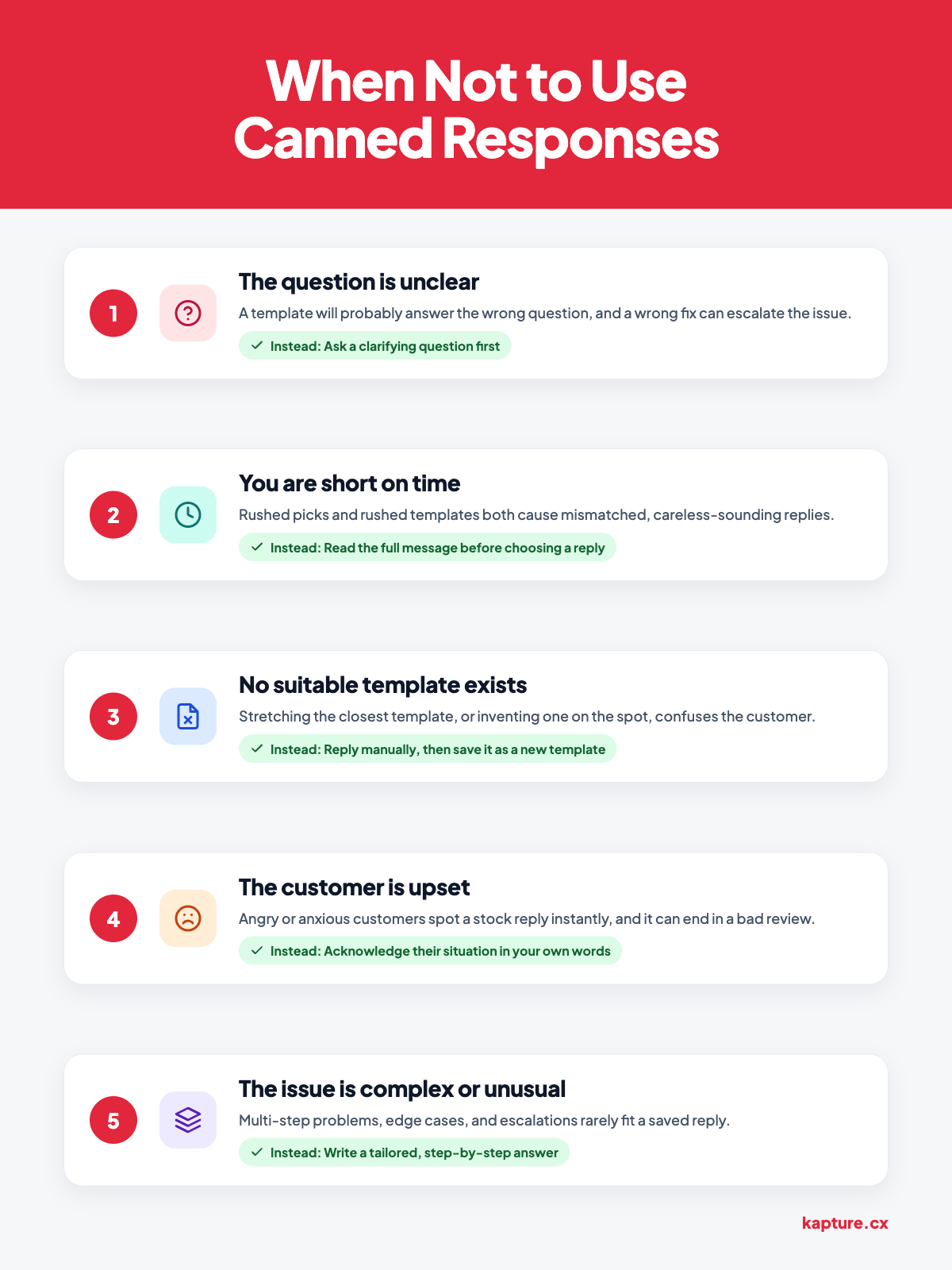
When Not to Use Canned Responses
In the suggestions below, we tell you where you shouldn’t be using canned responses as they might negatively impact your brand.
- If the customer query is unclear
A customer support agent should be clear about the query or a problem the customer is facing to help them arrive at the right solution.
If not, this would lead to a bigger issue that can end up costing a lot for the company to resolve the issue. It is better to confirm the complaint before suggesting solutions.
On the other hand, frustrated customers can leave your brand with a negative review on social media channels or on forums that can direct your potential customers to a competitor brand.
So, as much as possible, make the issue clear with the customer and suggest solutions for a prolonged customer relationship.

(Image: Canned response Mismatch
Source: Livechat)
- Shortage of time
Creating message templates in a hurry will end up with bad sentence structuring and a puzzled customer.
A canned response or a message template should always carry a positive inviting tone and not words that just resolve their queries without any additional or future thought into it.
For instance, when a customer reaches out to a customer support agent, greeting them and calmly conversing to hear out the problem then gradually leading to solutions is an effective way to customer appreciation.
But instead, rushing through the solutions and at the last sending them a feedback link will only attract bad review ratings.
- If canned responses need to be curated from scratch
If your customer support doesn’t have canned or templated responses, it is better to reply to a customer manually with the knowledge a customer support agent has.
Customers always appreciate an honest answer.
Assessing the situation and responding to the specific complaint takes more effort, but customers see it as caring and responsive.
Also, do not make the canned responses too courteous or extremely apologetic as they might be perceived as fake or unnatural by customers.

(Image: Canned apologetic email response
Source: Kayako)
- If the customer is upset
An angry or anxious customer can tell immediately when they receive a stock reply, and it can make them feel ignored. In these moments, acknowledge their specific situation in your own words before offering a solution.
A canned response can still help with the factual part of the answer, such as refund timelines or next steps, but the opening should always be personal.
- If the issue is complex or unusual
Multi-step problems, edge cases, and escalations rarely fit a template. Forcing a saved reply onto them can lead to wrong or incomplete advice that takes even longer to fix.
For these queries, write a tailored, step-by-step answer. If the same complex issue keeps coming up, document the solution and turn it into a new template.
15 Canned Response Examples for Live Chat and Email
Copy these templates and adapt them to your brand voice. Replace anything in {curly brackets} with real details before sending.
Live Chat Canned Responses
1. Greeting a customer
“Hi {first_name}, thanks for reaching out! I’m {agent_name}. How can I help you today?”
2. Asking for more details
“Happy to look into this for you. Could you share your order number so I can check the details?”
3. Putting a customer on hold
“Thanks for your patience. I’m checking this with our team now and will be back with you in about {time}.”
4. Sharing an order status
“Good news, {first_name}! Your order {order_id} is on its way and should arrive by {delivery_date}. You can track it here: {tracking_link}.”
5. Transferring to another team
“This one needs our {team_name} team, so I’m connecting you now. They’ll see our full chat, so you won’t need to repeat anything.”
6. When an issue can’t be solved right away
“I want to get this right for you, so I’ve raised a ticket ({ticket_id}) with our specialists. We’ll update you by {date_or_time}.”
7. Replying after business hours
“Thanks for messaging us! Our team is offline right now and back at {opening_time}. Leave your question here and we’ll reply as soon as we’re back.”
8. Closing the chat
“Glad I could help, {first_name}! Is there anything else I can do for you today?”
Email Canned Responses
9. Acknowledging a new request
Subject: We’ve received your request ({ticket_id})
“Hi {first_name}, thanks for contacting us. We’ve received your request and our team is on it. You can expect a reply within {response_time}. If you need to add anything, just reply to this email.”
10. Refund approved
Subject: Your refund for order {order_id} is approved
“Hi {first_name}, your refund of {amount} has been approved. It should reach your original payment method within {refund_days} business days. Thanks for your patience.”
11. Refund request declined
Subject: About your refund request for order {order_id}
“Hi {first_name}, thanks for reaching out about your refund. Unfortunately, this order isn’t eligible because {reason}. I know that’s not the answer you hoped for, so I can offer {alternative}, such as an exchange or store credit. Just reply and I’ll set it up.”
12. Apologizing for a delayed delivery
Subject: An update on your order {order_id}
“Hi {first_name}, I’m sorry your order is taking longer than expected. It’s now scheduled to arrive by {new_date}. Here’s your tracking link: {tracking_link}. If it doesn’t arrive by then, reply here and we’ll make it right.”
13. Responding to a feature request
Subject: Thanks for your suggestion
“Hi {first_name}, thank you for suggesting {feature}. I’ve shared it with our product team, who review customer feedback regularly. We’ll let you know if it’s added.”
14. Following up on an unanswered message
Subject: Following up on your request ({ticket_id})
“Hi {first_name}, just checking in on your request. Were you able to try the steps we shared? If you still need help, reply here and we’ll pick it up right away.”
15. Acknowledging a complaint
Subject: We’re looking into your concern
“Hi {first_name}, thank you for telling us about {issue}. I’m sorry for the trouble this caused. I’ve escalated it to our {team_name} team, and {agent_name} will contact you by {date} with a resolution.”
How to Manage Canned Responses at Scale
As a support team grows, a shared document of templates stops working. Agents can’t find the right reply quickly, and outdated versions spread. Managing canned responses inside your support software solves this:
- Shortcuts: agents insert a template with a keyword or slash command instead of copying and pasting
- Placeholders: customer names, order numbers, and dates fill in automatically from your CRM
- Shared libraries: one approved set of templates for the whole team, organized by topic and channel
- Usage data: see which templates are used most and which ones need updating or removing
Automate Canned Responses With Kapture CX
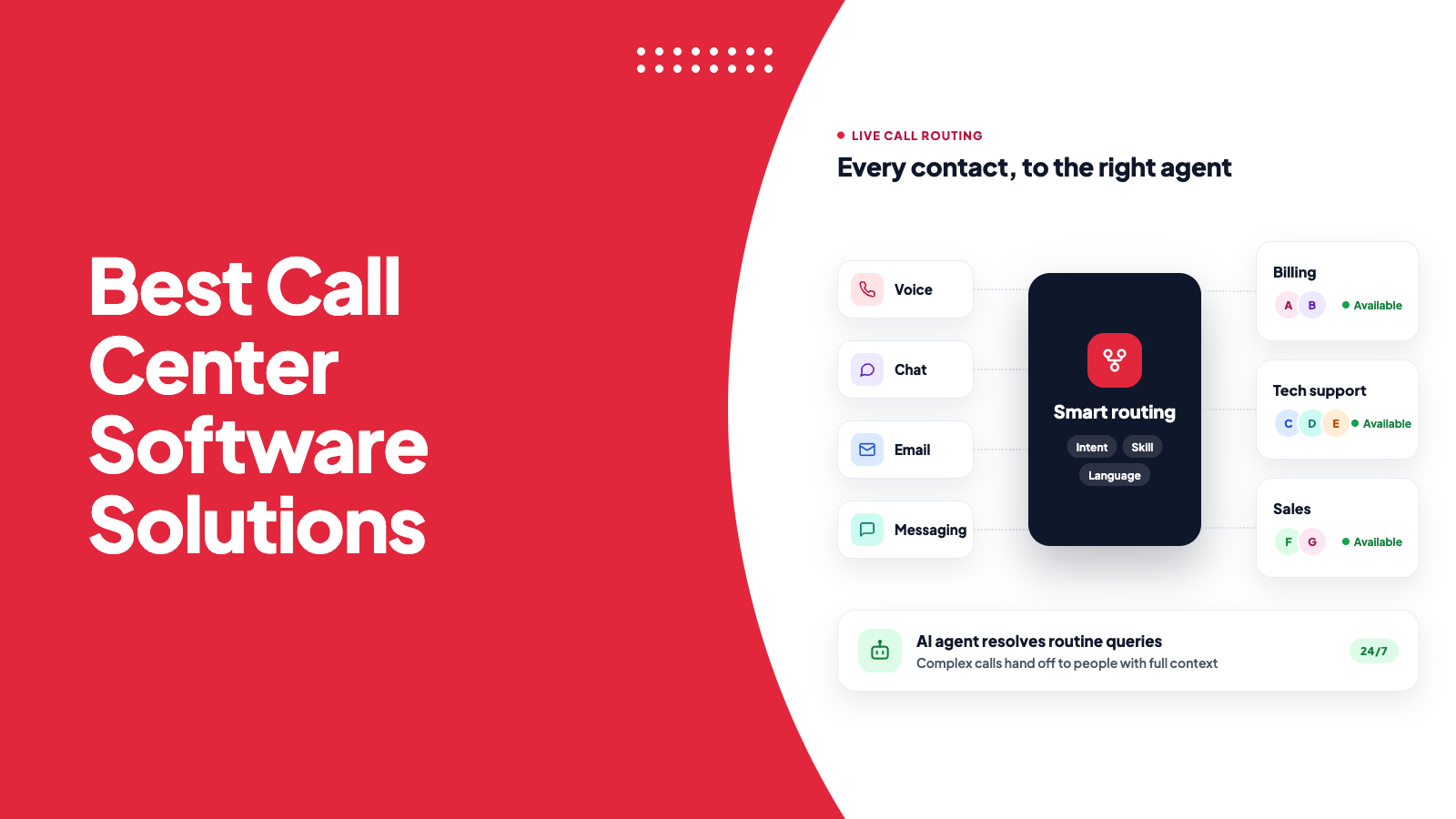
Kapture CX’s live chat software gives agents a shared library of canned responses with automatic placeholders, so they can reply in seconds without losing the personal touch. AI suggests the most relevant reply based on the conversation, and Kapture’s AI agents can resolve routine queries end to end, handing complex ones to agents with full context.
Book a demo to see how Kapture helps your team respond faster across live chat, email, and messaging.
FAQ
Canned responses are pre-written replies that support agents save and reuse to answer common customer questions quickly and consistently, across live chat, email, and messaging.
No, as long as they’re used well. They become a problem when they sound robotic, ignore the customer’s actual question, or are used for complex or emotional issues. Personalize them and they improve speed without hurting quality.
Write them in a conversational tone, add the customer’s name and specific details, keep them short, and end with a clear next step. Read the customer’s message fully before choosing a template.
A canned response is a saved message. A macro usually does more: it can insert a reply and also update the ticket, such as changing its status, adding tags, or assigning it to a team.
Start with templates for your 10 to 20 most frequent questions, then add more as patterns appear. A smaller set of well-written, regularly updated templates works better than hundreds that agents can’t find.



 +1833-386-0222 (USA)
 enquiries@kapture.cx


