


TL;DR
- Modern knowledge management systems are no longer static repositories.
- They now act as intelligent, context-aware engines that actively shape customer experience. Powered by AI and natural language search, they deliver faster self-service.
- They also support agents with relevant answers in real time. Behind the scenes, they operate as core infrastructure for consistent, scalable support.
Customer experience breaks down long before a ticket is created. Inside most organizations, knowledge grows organically. Product updates live in decks. Policy changes sit in internal docs. Edge cases survive only in chat threads or in the heads of senior agents. Over time, this creates an environment where no one is fully certain which answer is correct.
When uncertainty becomes normal, consistency disappears. Agents improvise. Bots surface outdated articles. Customers receive answers that feel confident yet conflict with each other. Resolution rates drop, not because problems are complex, but because reliable information is hard to locate.
This is why customers turn to self-service when they trust the source. According to Gitnux, 91% of customers say they would use an online knowledge base if it were available and tailored to their needs. The demand already exists. What’s usually missing is a system that treats knowledge as an operational asset.
A modern knowledge management system provides that foundation. In this blog, we will see how knowledge management systems improve resolution rates and create smoother experiences for customers through better self-service and AI-enhanced insights.
What Is a Knowledge Management System?
A knowledge management system is a software platform designed to capture, structure, store, index, and retrieve organizational knowledge at scale. It is like a centralized repository that manages both structured data (FAQs, manuals, product documentation, etc.) and unstructured data (chat logs, tickets, internal notes).
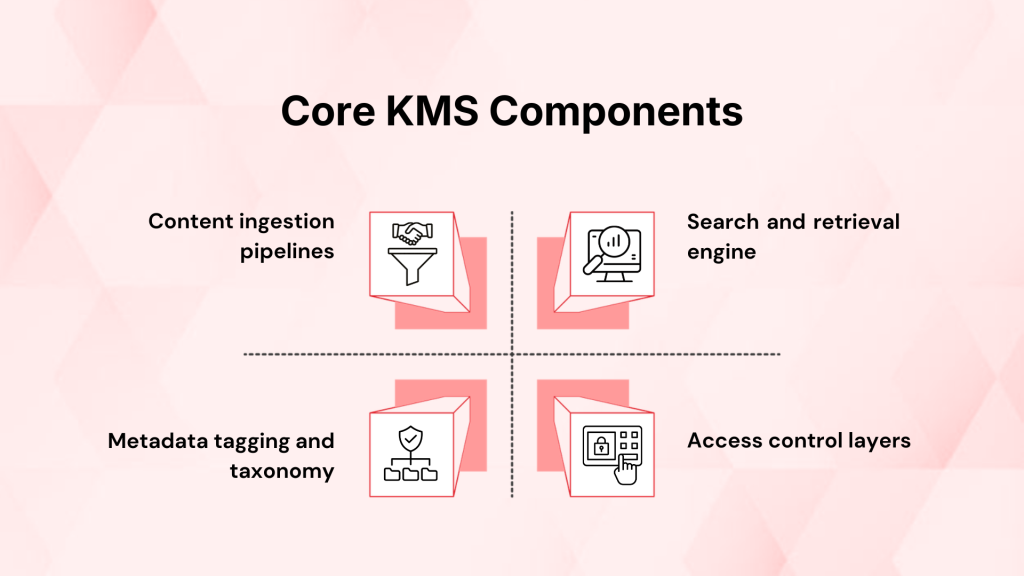
A knowledge management system relies on the following components:
- Content ingestion pipelines- Import data from multiple sources such as CRMs, ticketing systems, file repositories, and CMS platforms.
- Metadata tagging and taxonomy- Classifies content using predefined schemas and attributes for faster retrieval.
- Search and retrieval engine- Uses keyword-based search, semantic search, and relevance ranking algorithms.
- Access control layers: Define user roles, permissions, and visibility rules, etc.
Natural language processing (NLP) and machine learning are currently being integrated into contemporary knowledge management systems to enhance content recommendation and intent detection. Plus, GenAI-enhanced KMS platforms can generate summaries and surface context-aware responses.
Why Business Should Use a Knowledge Management System?
Many organizations underestimate the extent to which poor knowledge management affects daily operations. The absence of a structured knowledge system creates friction across the business.
Here’s why businesses today definitely need a solid knowledge management system:
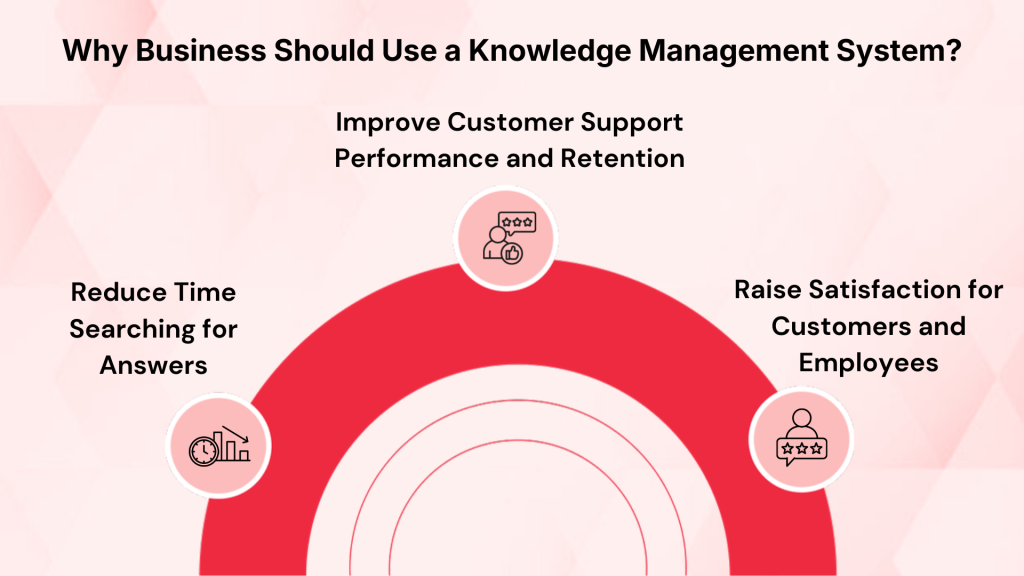
1 . Reduce Time Searching for Answers
Many employees waste time looking for information. KeeVee has reported that 42% of workers spend more than an hour each day just finding the knowledge they need for their work. A knowledge management system stores verified information in one central place so teams can locate it quickly.
2. Improve Customer Support Performance and Retention
Support teams with a structured knowledge base deliver faster and more consistent answers. WiFi Talents reports that organizations with good knowledge management see up to 23% increase in customer retention. They also report lower support demand due to better self-service. Not just that, 81% of organizations consider knowledge management essential to business success.
3. Raise Satisfaction for Customers and Employees
Better access to accurate information improves experiences across the board. WiFi Talents found that 70% of companies say knowledge management increases customer satisfaction, and 58% say it improves decision-making quality within teams.
Check out this quick breakdown of how Knowledge Management Systems function and the best practices for implementing them in your organization.
Essential Features of Modern Knowledge Management Systems
The efficiency and quantifiable impact that knowledge management systems provide in day-to-day operations are defined by the following fundamental characteristics:
| Capability | What does it enable? |
| Ingestion of Content and Source Connectivity | It allows for the ingestion of both structured and unstructured data via batch or real-time pipelines by connecting to CRMs, ticketing systems, CMS platforms, document repositories, and cloud storage. |
| Organizing Content and Managing Taxonomy | Uniform classification and filtering by organizing knowledge using metadata, tags, categories, and hierarchical taxonomies. |
| Engine for Search and Retrieval | It supports faceted, semantic, and keyword searches with relevance ranking based on usage and contextual cues. |
| Lifecycle Control and Content Governance | Maintains content accuracy by overseeing versioning, review processes, approvals, expiration, and archiving. |
| Role-Based Permissions and Access | It uses user roles and permission levels to regulate editing privileges and visibility. |
| Analytics and Evaluation of Performance | Monitors usage indicators, including deflection rate, content gaps, article views, and search success rate. |
Knowledge Management System Examples: How Leading CX Teams Use Them
Knowledge management systems show their real value in day-to-day operations. Different industries apply them in different ways, depending on the problems they need to solve.
1. Centralized Internal Knowledge Portals
Internal knowledge portals, which compile and arrange institutional knowledge in one location, are among the most prevalent types of knowledge management systems. These portals are frequently created by large professional services companies to guarantee that consultants can easily locate prior work, best practices, and techniques.
Accenture is a prime example. The firm maintains a global knowledge repository called the Knowledge Xchange. It stores solution frameworks, case studies, and expert directories. Employees get real-time access to proven methods, which reduces redundant work across its global teams.
2. Preserving Critical Expert Knowledge
Retaining institutional knowledge when people retire, or shift roles, is a significant difficulty in highly specialized businesses. Organizations run the danger of losing implicit knowledge that exists only in people’s minds if they don’t have a specialized knowledge system.
On complicated projects where expertise cannot be readily replaced, knowledge management solutions facilitate continuity.
3. Customer Support and Self-Service Knowledge Bases
On the customer support front, many companies build external knowledge bases as a primary example of a knowledge management system.
The international adventure racing company Spartan Race has 40 help centers tailored to particular regions. Each center has information specific to the local audience, such as event scheduling, gear requirements, and race regulations. Spartan Race uses translation techniques and labeling to organize content so users may quickly locate answers without contacting assistance.
4. Collaboration Systems as a Knowledge Management System
Beyond traditional knowledge bases, collaboration platforms often act as de facto knowledge management systems. Tools like Confluence are widely used to build team wikis and shared content repositories. These platforms store onboarding material, technical guides, and everything in between.
Its flexible structure lets teams build databases, link related pages, and customize templates. This makes it useful for dynamic knowledge environments where structure evolves with the organization.
5. Enterprise Document Management with Knowledge Overlay
Microsoft SharePoint serves as a strong example of a knowledge management system when combined with structural governance. At companies like Polytron, SharePoint is customized to manage manufacturing standards, process documentation, and quality control procedures in a centralized location. Staff can access standard work procedures and engineering updates from any location.
This type of system is very useful in regulated industries and large corporations that need consistent process adherence across facilities.
6. Advanced AI-Powered Knowledge Systems
AI is becoming more and more integrated into contemporary information management systems to improve search and suggestions. IBM Watson uses NLP to search and index enormous documents and data warehouses. As a result, users can ask simple queries and receive answers that are pertinent to their situation.
Platforms like Kapture CX also illustrate this trend. By embedding AI into the knowledge workflow, Kapture helps support agents retrieve relevant answers during live interactions. The system can suggest solutions based on query context to reduce resolution time.
7. Examples of Industry-Specific Knowledge Management
Knowledge management systems are used differently by various industries. Centralized clinical knowledge bases enhance treatment procedures and diagnostic consistency in the healthcare industry.
Internal wikis and playbooks are used by retail and e-commerce businesses to expedite onboarding and unify team expertise. Knowledge systems are used by government organizations as well to maintain consistency in public service operations and policy interpretation.
How to Build, Implement, and Maintain a Knowledge Management System?
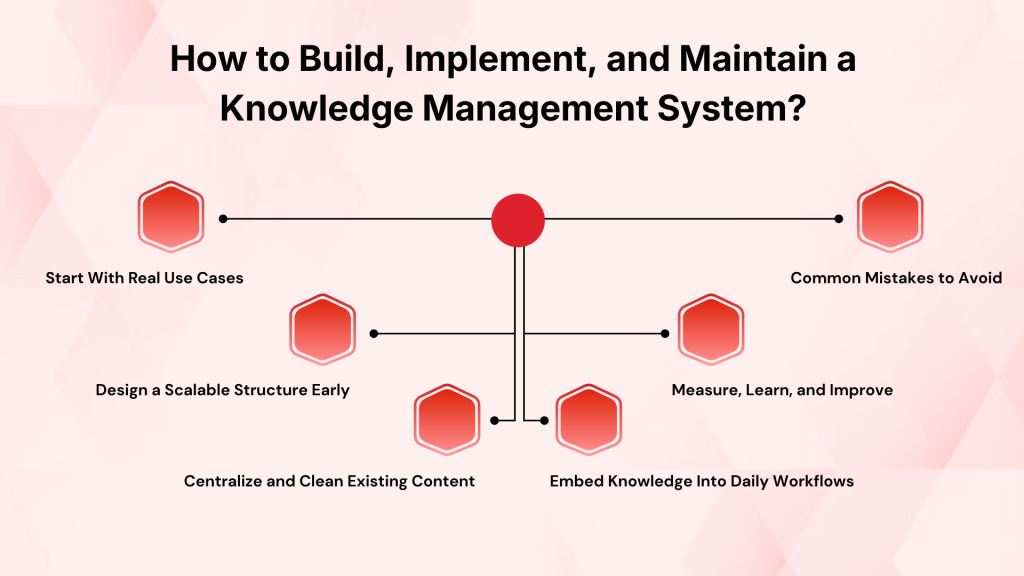
A knowledge management system is never really “done.” The teams that get it right pay attention to the tools they use and who is responsible for keeping information accurate.
1. Start With Real Use Cases
The first step is to identify where knowledge breakdowns happen today. To find the breakdowns, you must look at support tickets, internal questions, onboarding gaps, and repeated errors.
- Prioritize high-impact scenarios such as customer support, technical troubleshooting, or onboarding.
- Define what “good knowledge” looks like for each use case.
- Decide who will create, review, and own content.
Avoid starting with a blank repository and “filling it later.” That approach almost always leads to clutter.
2. Design a Scalable Structure Early
A clear structure prevents chaos as content grows.
- Build a simple taxonomy with categories and subcategories.
- Use consistent naming conventions.
- Add metadata such as product, audience, content type, etc.
Do not over-engineer the structure, as complex hierarchies discourage adoption and slow publishing.
3. Centralize and Clean Existing Content
Most organizations already have knowledge scattered across tools. However, organizations must understand that a smaller but high-quality knowledge base performs better than a massive, uncurated one.
- Audit existing documents and help articles.
- Remove duplicates and outdated material.
- Migrate only what is accurate and still useful.
4. Embed Knowledge Into Daily Workflows
If users must leave their primary tools to search for answers, adoption drops. That’s why knowledge should appear where work happens. This,
- Integrate the knowledge management system with CRM and chat tools.
- Surface relevant articles during live interactions.
- Enable quick feedback on article usefulness.
5. Measure, Learn, and Improve
- Use data to guide improvements.
- Monitor search success rate.
- Track article views and deflection.
- Review unanswered searches. These signals tell you what users cannot find.
6. Common Mistakes to Avoid
- Treating the knowledge management system as a storage system instead of a performance tool.
- Publishing too much low-quality content.
- Ignoring employee training.
- Skipping regular audits.
- Building in isolation from actual users.
What Are the Top Knowledge Management Systems?
Given below are three of the most well-established knowledge management system examples with different strengths. This is followed by how they are typically applied in real use cases.
1. Kapture GenAI Knowledge Base
Kapture CX provides a knowledge management system designed around modern customer support workflows. Rather than being a generic documentation platform, it embeds knowledge where agents work and connects content with customer context.

Use Cases:
- Live agent interfaces that surface relevant articles based on query context.
 Source
 - Self-service portals with smart search that adapts to common user questions.
- Unified knowledge that stays consistent across support channels and touchpoints.
- The system also supports integrations with common CRM and support tools so that teams don’t waste time switching platforms.
- It converts documents and web links into structured, accessible support articles.
- It features enhanced AI-driven search capabilities for quick information retrieval.
- The system uses AI and NLP to create and deliver contextual resolutions and reduce the need to manually create tickets.

2. Atlassian Confluence
Confluence is one of the most widely used knowledge management systems for internal collaboration. It’s best used when teams need to document processes and shared resources in a central location. Content is organized into space hierarchies and pages for teams to link related information and maintain context across topics.
Use Cases:
- Confluence is used by engineering teams to record sprint retrospectives, system designs, and APIs.
- Playbooks and decision logs are stored by cross-functional teams in a searchable format.
- Confluence is useful for companies that already use Atlassian products because of its close integration with other tools, such as Jira.
3. Microsoft SharePoint
Microsoft SharePoint has long been a pillar of enterprise content and knowledge management. It is used not just for documents but also for structured knowledge repositories, intranet sites, and regulated content workflows.
Use Cases:
- Large enterprises centralize policy documents, compliance records, and training materials.
- Global teams sync knowledge across regional offices with permissions and governance controls.
- SharePoint libraries and pages act as a single source of approved information, reducing version confusion.
- Deep integration with the Microsoft 365 ecosystem (Word, Teams, Outlook).
The Future of Knowledge Management Systems in Customer Experience
Knowledge management systems are moving away from being passive repositories. In customer experience, they are becoming active participants in every interaction.
AI will keep changing how knowledge is produced and disseminated. Systems will provide accurate replies in real time based on context and intent. Self-service will change as well. Search-driven experiences are replacing traditional FAQ sites. Clients will anticipate being able to explain issues in their own terms and getting precise responses right away.
Natural language queries, dynamic content, and ongoing learning from user behavior will all need to be supported by knowledge bases.
Another significant change is the dissemination of contextual knowledge. Not every user will be treated equally by future systems. Before providing material, they will take into account the region, channel, product usage, consumer history, etc. The same question may result in different answers depending on who is asking and what they are trying to accomplish.
Kapture’s GenAI Knowledge Base is already moving in this direction by bringing together AI-driven search and workflow-aligned knowledge access. It’s custom-built for your enterprise needs.
Book a demo to know more.
FAQs
Timelines vary based on system complexity and content volume, but most organizations can launch a functional knowledge management system within a few weeks and improve it gradually over time.
Yes. Even small teams benefit from a single source of truth, especially as documentation grows and onboarding becomes more frequent.
Common content includes SOPs, product documentation, troubleshooting guides, internal policies, FAQs, training material, and customer-facing articles.
Assign clear ownership, schedule periodic reviews, and monitor article usage to spot content that needs updates or consolidation.
Most modern knowledge management systems integrate with CRMs, helpdesk platforms, chat tools, and collaboration software to surface knowledge within daily workflows.